Pixel Bench
A pixel-art editor for sprites, animations and tile maps. Draw it, animate it, export it straight into your game.
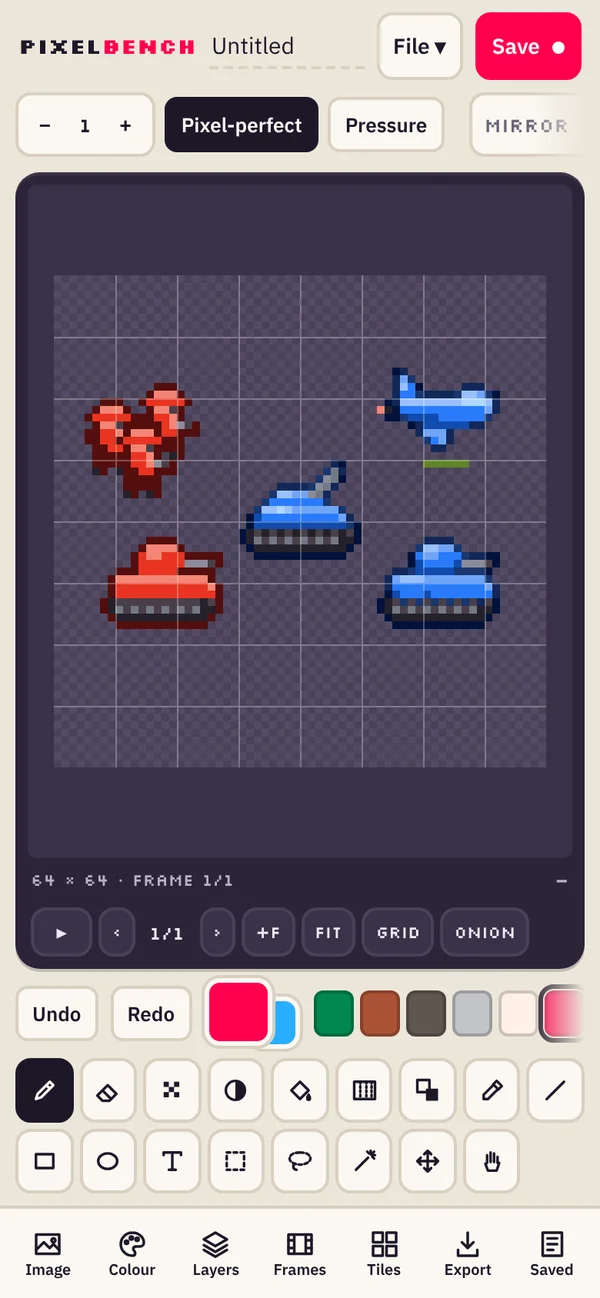
Everything a sprite needs
Draw
Pixel-perfect pen, dithered brushes, mirror and wrap drawing, plus layers with blend modes and alpha lock.
Animate
Frames, tags, onion skin, linked cels and per-frame timing, with forward, reverse and ping-pong playback.
Build tile maps
Draw tiles, paint maps with them, and export to Tiled for Godot, Unity and other engines.
Colour tools
Build shade ramps with hue shift, save palettes, and snap any art to your palette.
Image to pixel art
Turn a photo or sketch into pixel art at the size and palette you pick, with optional dithering.
Export anywhere
PNG, GIF, sprite sheets with JSON frame data, and Aseprite files with layers, frames and tags.
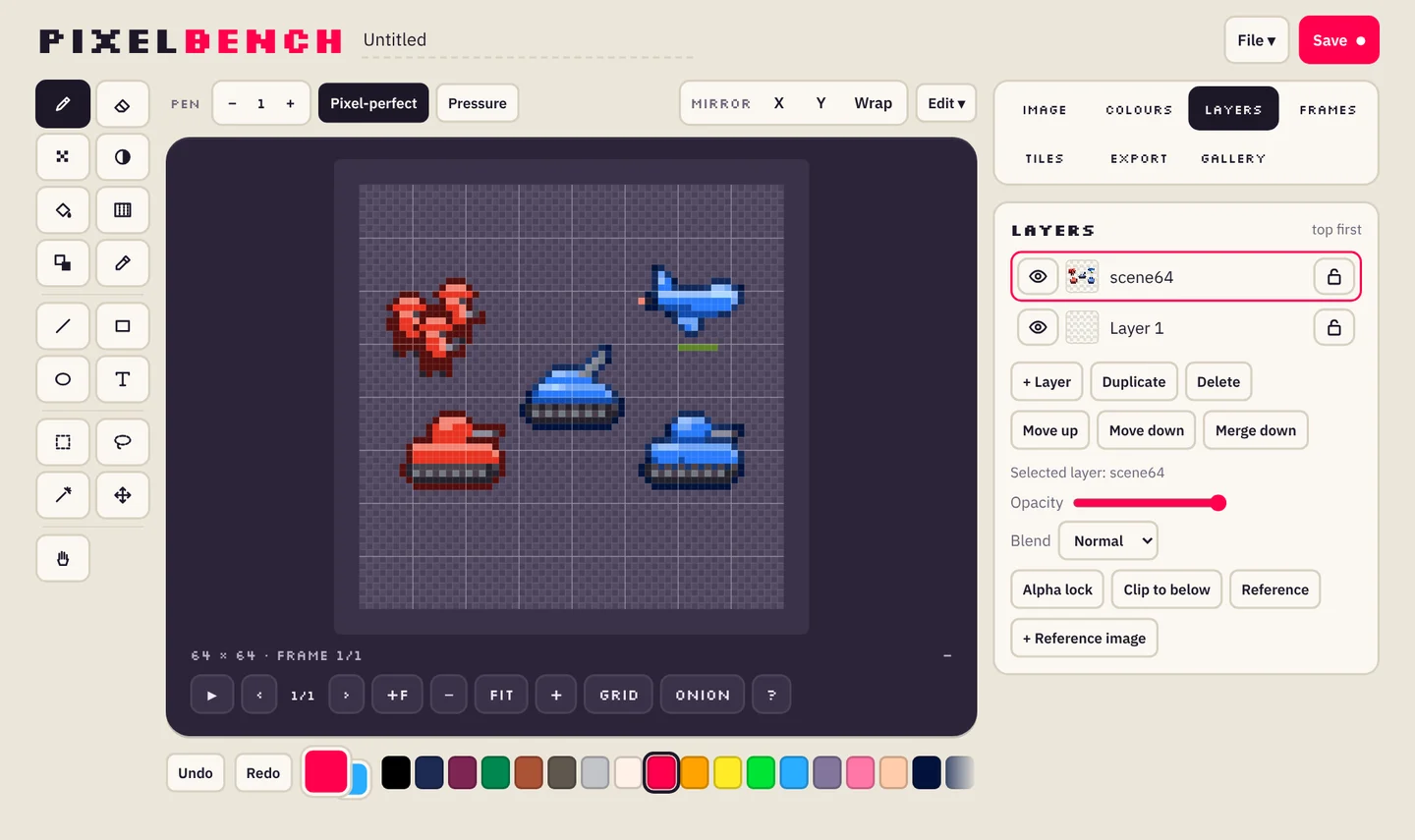
Open Pixel Bench
Opens .pixo and .aseprite files. Works with a mouse, a stylus with pressure, or your finger.